Hugging Face AI Sheets: No-code tool to build, transform, and enrich datasets
Sources: https://huggingface.co/blog/aisheets, Hugging Face Blog
Overview
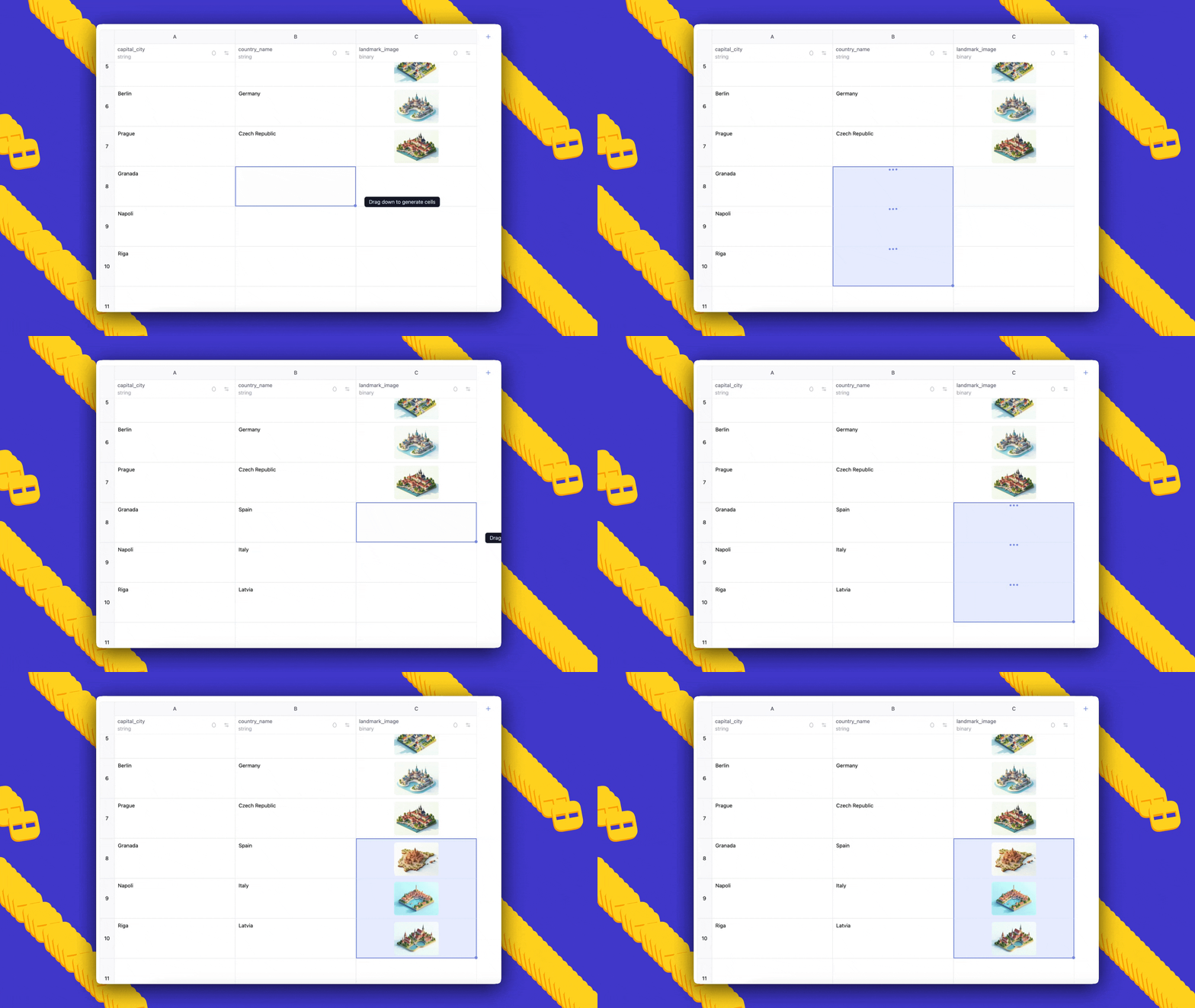
Hugging Face AI Sheets is a no-code tool for building, transforming, and enriching datasets with AI models. It is open source, tightly integrated with the Hugging Face Hub, and can be deployed locally or on the Hub. The interface is spreadsheet-like, designed for quick experimentation with small datasets before running longer or more costly data generation pipelines. AI Sheets lets you create new columns by writing prompts, and you can iterate as many times as you need and edit or validate cells to teach the model what you want. You can compare models by creating columns per model and providing prompts that reference existing dataset columns. You can also use a judge prompt to evaluate responses from different models using LLMs. Two main usage modes are provided: you can import an existing dataset or generate a dataset from scratch by describing it in natural language. For example, you can prompt for cities of the world with their countries and an image, and AI Sheets will generate a dataset automatically. The tool supports quick feedback by editing or liking cells, which becomes few-shot examples when regenerating. AI Sheets supports transformations, classification, extraction, enrichment, and data analysis through AI prompts. It can enrich data with missing information by prompting to find a zip code for an address (web search must be enabled). It can even generate synthetic data by describing the target data and then generating additional fields such as realistic professional emails from bios. Exporting to the Hub is supported and, when exporting, it generates a config file that can be reused to generate more data with HF jobs using scripts, or to reuse prompts in downstream applications with the included few-shot examples. If you want to scale up, you can use the generated config to run larger datasets via the Hub. AI Sheets provides a straightforward path for experimentation and testing: start from a rough idea or a small dataset, add AI columns with prompts, compare model outputs, refine prompts, and regenerate as needed. The system is designed to facilitate iteration, evaluation, and collaboration, and it ships with example datasets and configurations that illustrate how to combine model prompts, validation steps, and judging prompts. For those curious about real-world use, the blog shows several example workflows involving three columns with different models and a judge column to compare quality. The project also supports working with existing Hub datasets to add categories or employ an LLM as a judge to compare model outputs. You can start without installing anything via the Hugging Face Spaces deployment or install locally from the GitHub repository. For advanced usage, a PRO plan offers extended inference usage. When you are ready, you can reach out to the community through the Hub or GitHub issues with questions and feedback.
Key features
- No-code, spreadsheet-like interface for building, transforming, and enriching datasets with AI models.
- Integration with the Hugging Face Hub; access to thousands of open models via Inference Providers or local models (including gpt-oss from OpenAI).
- Create AI columns by prompts; iterate and regenerate; manual edits and likes serve as few-shot examples.
- Compare models by creating multiple columns and using judge prompts to evaluate results.
- A flexible set of data tasks: transformation, classification, extraction, enrichment, and synthetic data generation.
- Support for web search-based enrichment (enable Search) and the ability to export the final dataset to the Hub with a config file.
- Two start modes: import existing data or describe a dataset from scratch to auto-generate a dataset structure and content.
- Local deployment or Hub deployment; optional PRO subscription with increased usage.
- Export to Hub and reuse prompts via a generated config for downstream tasks and future runs.
Common use cases
- Test latest models on your data: import a dataset, create one column per model, and compare results by using a prompt that references the model and data in each column.
- Improve prompts quickly: edited or liked cells become few-shot examples; regenerate to propagate improvements.
- Build applications that automatically respond to customer requests: create columns with prompts to generate responses and optionally add a judge column to compare outputs.
- Transform data with prompts: remove punctuation, normalize text, or restructure content across a column.
- Classify and extract ideas: add a column to categorize text or pull out main ideas.
- Enrich datasets: locate missing information like ZIP codes by prompting, with web search enabled when needed.
- Generate synthetic data: create realistic descriptions and emails by prompting, enabling privacy-preserving data creation.
- Augment existing Hub datasets: tag and categorize existing data with additional prompts and validate outcomes.
- Evaluate model outputs: use an LLM as judge to compare different models on a given task.
- Export results to the Hub for reuse and for automating follow-on tasks using the generated config.
Setup & installation
Try the tool for free (no installation required) at https://huggingface.co/spaces/aisheets/sheets. For local deployment, visit the GitHub repository at https://github.com/huggingface/sheets. Exact setup commands are not provided in the source; see the linked pages for installation instructions.
# See setup instructions at:
# - https://huggingface.co/spaces/aisheets/sheets
# - https://github.com/huggingface/sheets
Quick start
Minimal runnable example from the blog:
- Prompt: cities of the world, alongside countries they belong to and a landmark image for each, generated in Ghibli style.
- Outcome: AI Sheets will auto-generate a dataset with three columns; you can add more rows by dragging down, edit cells to seed few-shot examples, and regenerate to propagate prompts and feedback.
- Then you can export to the Hub to create a config file, which can be reused for future runs or fed into scripts to generate larger datasets with HF jobs. This approach lets you test multiple models quickly and iterate on prompts and data structure before scaling up.
Pros and cons
Pros:
- No-code, open-source tool tightly integrated with the Hub.
- Access to thousands of open models via Inference Providers or local models (including gpt-oss).
- Quick iteration through prompts with embedded few-shot examples from manual edits and likes.
- Model comparison and judge prompts for evaluating outputs.
- Two start modes: import data or generate from scratch.
- Export to Hub and reuse prompts via a generated config.
- Local or Hub deployment; free to try with Spaces. Cons:
- Not explicitly listed in the source as a drawback; depends on usage and model quality.
Alternatives
Not described in the source.
Pricing or License
- Open-source tool with a PRO plan for extended usage (20x monthly inference usage).
- Free Spaces deployment mentioned; no installation required.
References
More resources
CUDA Toolkit 13.0 for Jetson Thor: Unified Arm Ecosystem and More
Unified CUDA toolkit for Arm on Jetson Thor with full memory coherence, multi-process GPU sharing, OpenRM/dmabuf interoperability, NUMA support, and better tooling across embedded and server-class targets.

Cut Model Deployment Costs While Keeping Performance With GPU Memory Swap
Leverage GPU memory swap (model hot-swapping) to share GPUs across multiple LLMs, reduce idle GPU costs, and improve autoscaling while meeting SLAs.
Make ZeroGPU Spaces faster with PyTorch ahead-of-time (AoT) compilation
Learn how PyTorch AoT compilation speeds up ZeroGPU Spaces by exporting a compiled model once and reloading instantly, with FP8 quantization, dynamic shapes, and careful integration with the Spaces GPU workflow.
Fine-Tuning gpt-oss for Accuracy and Performance with Quantization Aware Training
Guide to fine-tuning gpt-oss with SFT + QAT to recover FP4 accuracy while preserving efficiency, including upcasting to BF16, MXFP4, NVFP4, and deployment with TensorRT-LLM.

How Small Language Models Are Key to Scalable Agentic AI
Explores how small language models enable cost-effective, flexible agentic AI alongside LLMs, with NVIDIA NeMo and Nemotron Nano 2.
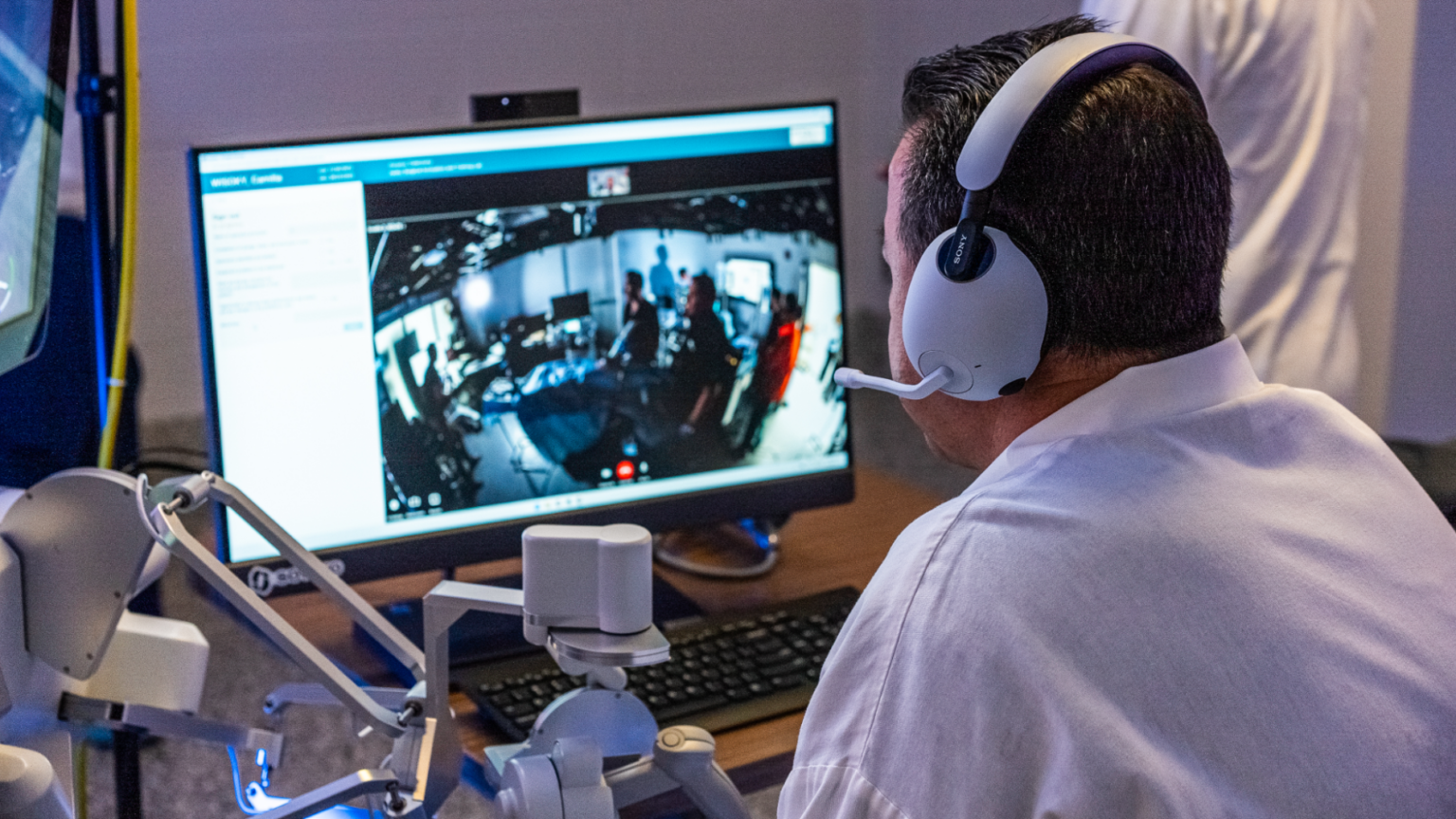
Getting Started with NVIDIA Isaac for Healthcare Using the Telesurgery Workflow
A production-ready, modular telesurgery workflow from NVIDIA Isaac for Healthcare unifies simulation and clinical deployment across a low-latency, three-computer architecture. It covers video/sensor streaming, robot control, haptics, and simulation to support training and remote procedures.