Accelerate ND-Parallel: A Guide to Efficient Multi‑GPU Training
TL;DR
- Accelerate adds ND‑Parallel tooling to compose multiple parallelism strategies (DP, FSDP, TP, CP) in a single training script.
- Integration with Axolotl provides example configs and higher‑level fields to enable combinations of parallelism without rewriting core training code.
- Key configuration knobs include ParallelismConfig fields such as dp_replicate_size, dp_shard_size, tp_size (tensor_parallel_size in Axolotl) and context sharding for very long sequences.
Context and background
Training very large models across multiple GPUs requires choosing and composing parallelism strategies to balance memory, compute, and communication. Traditional data parallelism (DP) replicates a model and its optimizer state on each device and splits the minibatch across replicas; gradients are synchronised before updates. DP increases throughput but requires the full model to fit on a single device. When models become too large for a single GPU, Fully Sharded Data Parallel (FSDP) shards weights, gradients and optimizer state across devices, only gathering parameters for a layer when needed. Tensor Parallelism (TP) shards model parameters permanently across devices and splits computation for large linear layers. Context Parallelism (CP) shards the input sequence across the sequence dimension to handle extremely long contexts that would otherwise blow up attention memory requirements. Accelerate, in collaboration with Axolotl, provides an integrated, configurable approach to compose these strategies so teams can scale training from single‑device to multi‑node setups while controlling memory and communication trade‑offs. The Accelerate repo contains a more comprehensive end‑to‑end training script showing dataloaders, optimizers, training loops and saving, and Axolotl offers tested example configs to get started quickly.
What’s new
- Accelerate now exposes a quick and simple way to use any combination of parallelism strategies from within a single training script, through ParallelismConfig and plugins.
- Axolotl integrates these ND‑Parallel techniques so fine‑tuning at scale and composing strategies with varied fine‑tuning techniques is streamlined; adding ND parallel fields to Axolotl config files enables combinations without major code changes.
- Example configs and end‑to‑end training scripts are provided to demonstrate how to set dataloaders, optimizers and training loops while composing parallelism strategies.
Why it matters (impact for developers/enterprises)
- Faster iteration: Developers can experiment with combinations of DP, FSDP, TP and CP without rewriting training scaffolding.
- Scale to larger models: Composing sharding and model parallel techniques allows training models that cannot fit on a single GPU, or across a single node.
- Cost and resource control: By tuning replica counts, shard sizes and TP group sizes, teams can trade memory usage for communication cost and match configurations to their cluster topology (nodes, intra‑node NVLink vs inter‑node Infiniband).
- Reusability: Axolotl config fields and Accelerate’s ParallelismConfig make it easier to reuse the same training script across small and large setups.
Technical details or Implementation
Key parallelism strategies
| Strategy | What it does | When to use | Key trade‑offs |---|---|---|---| | Data Parallelism (DP) | Replicates full model and optimizer state across devices; splits batches across replicas and synchronises gradients | When model fits on a single device and you want higher throughput | Low communication pattern (all‑reduce per step), but requires model to fit on device; dp_replicate_size controls number of replicas |Fully Sharded Data Parallel (FSDP) | Shards weights, gradients, optimizer state across devices; gathers parameters for a layer at forward time | When model is too large for a single device | Trades peak memory for communication (gather per layer); tuning gather granularity affects memory vs comms; dp_shard_size configures degree |Tensor Parallelism (TP) | Permanently shards large linear layers across devices; each device holds a static partition of parameters | When single layers (e.g., decoder layers) are too large to gather in FSDP or require static memory reduction | Reduces memory linearly with TP group size but requires frequent activation synchronization; best within a single node; tp_size (tensor_parallel_size in Axolotl) sets group size |Context Parallelism (CP) | Shards input across the sequence dimension so each device processes part of a very long context | When training on very long sequences (hundreds of thousands to millions of tokens) | Reduces attention memory by splitting the attention matrix across devices; still requires access to K and V for softmax computation across the sequence |
Composing strategies and cluster considerations
- DP is a top‑level strategy: setting dp_replicate_size=2 yields two full replicas, each of which can in turn be sharded by FSDP or TP.
- FSDP can be applied across multiple nodes by treating all devices as a single sharding domain; e.g., 4 nodes × 8 GPUs = 32 devices and sharding will occur across that world size. However, communications become more costly across nodes, so teams often avoid FSDP across more than a full node and instead use hybrid/sharded approaches.
- TP is typically most effective within the boundaries of a single node because it requires high‑bandwidth, low‑latency communication (e.g., NVLink). TP across nodes can be inefficient due to inter‑node bandwidth limitations.
- For very long contexts, attention memory grows quadratically with sequence length. The blog illustrates that extremely large sequences (e.g., 128k tokens) can make per‑attention activations enormous, motivating context parallelism to split the attention computation across devices.
Configuration knobs in Accelerate and Axolotl
- ParallelismConfig in Accelerate exposes fields such as dp_replicate_size, dp_shard_size and tp_size to configure degrees of DP, FSDP and TP and how they compose.
- In Axolotl, similar config fields exist (e.g., tensor_parallel_size, dp_shard_size) so adding ND‑Parallel techniques to existing configs is often as simple as adding one or more fields.
- The Accelerate repo contains a prepared FullyShardedDataParallelPlugin for dp_shard_size usage and an end‑to‑end example to help setup dataloaders, optimizers and saving.
Key takeaways
- Accelerate + Axolotl let you compose DP, FSDP, TP and CP in a single training workflow.
- Use DP when your model fits on a device; increase replicas via dp_replicate_size to scale throughput.
- Use FSDP to shard model state when a model cannot fit on a single device, tuning gather granularity to balance memory vs communication.
- Use TP to shard large layers within a node when FSDP gathers become too large; configure tp_size / tensor_parallel_size accordingly.
- Use CP to train on very long sequences by sharding the sequence dimension and reducing attention memory per device.
FAQ
-
How do I enable ND‑Parallel in my training script?
Accelerate exposes ParallelismConfig and plugins to compose strategies; Axolotl supports config fields (like tensor_parallel_size, dp_shard_size) so you can add ND‑Parallel fields to your Axolotl config. The Accelerate repo also contains an end‑to‑end example.
-
When should I use FSDP vs TP?
Use FSDP to shard weights and optimizer states when the model is too large for a single device. Use TP when even single layers are too big to gather in FSDP or when you need a static memory partition across devices; TP works best within a node due to communication patterns.
-
Can I combine DP and TP?
Yes. DP is a top‑level strategy. For example, dp_replicate_size=2 combined with tp_size=2 yields two replicas, each with TP shards.
-
How does context parallelism help with long sequences?
CP shards inputs across the sequence dimension so each device processes a smaller chunk of the attention matrix, reducing per‑device activation memory for extremely long contexts.
References
More news
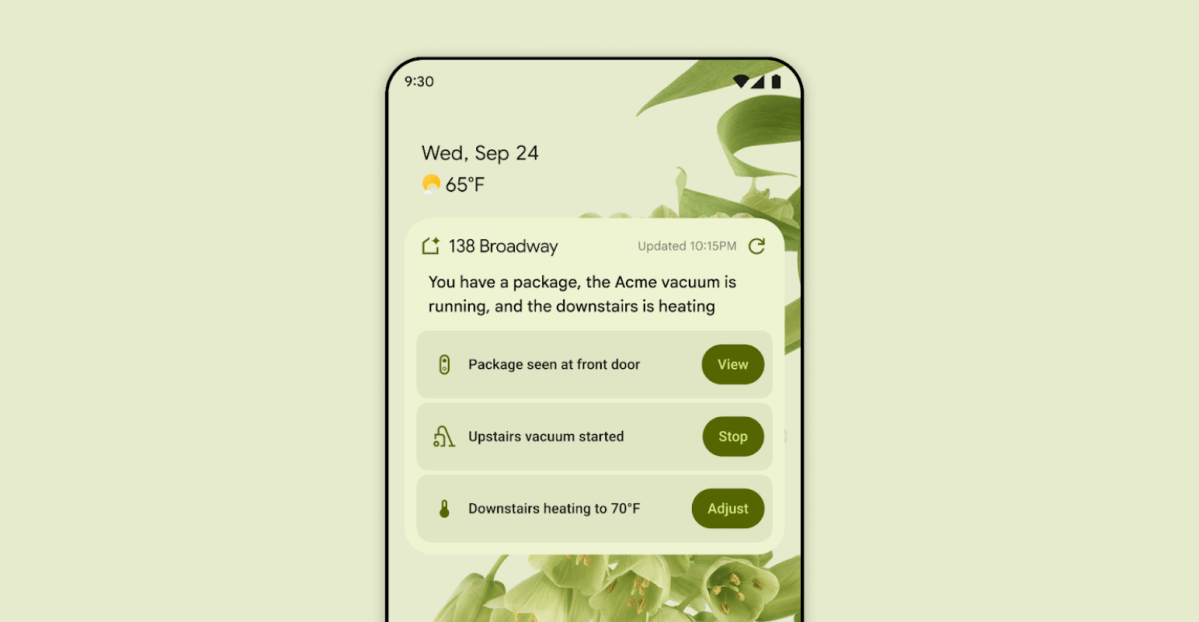
First look at the Google Home app powered by Gemini
The Verge reports Google is updating the Google Home app to bring Gemini features, including an Ask Home search bar, a redesigned UI, and Gemini-driven controls for the home.
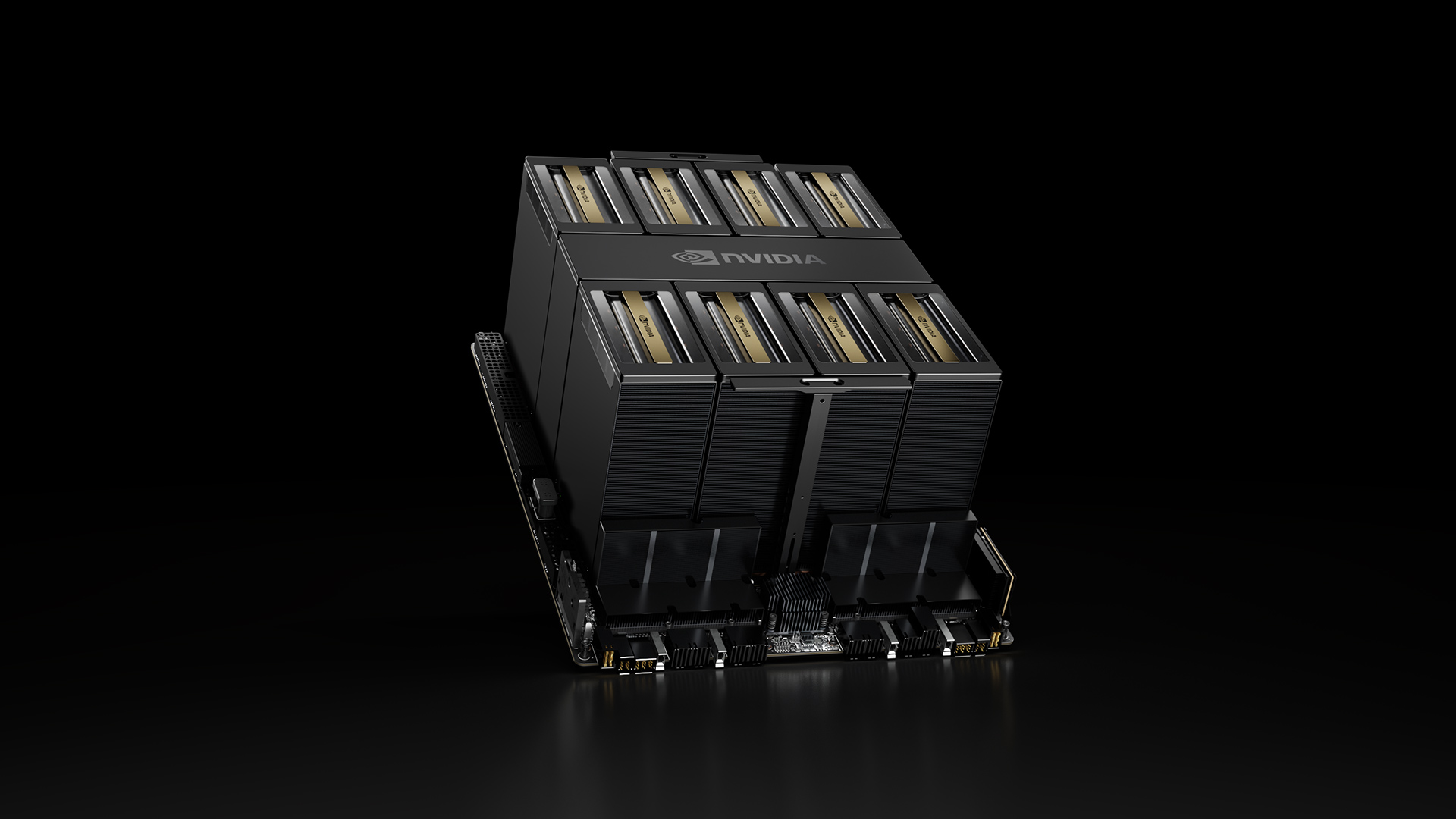
NVIDIA HGX B200 Reduces Embodied Carbon Emissions Intensity
NVIDIA HGX B200 lowers embodied carbon intensity by 24% vs. HGX H100, while delivering higher AI performance and energy efficiency. This article reviews the PCF-backed improvements, new hardware features, and implications for developers and enterprises.

Shadow Leak shows how ChatGPT agents can exfiltrate Gmail data via prompt injection
Security researchers demonstrated a prompt-injection attack called Shadow Leak that leveraged ChatGPT’s Deep Research to covertly extract data from a Gmail inbox. OpenAI patched the flaw; the case highlights risks of agentic AI.
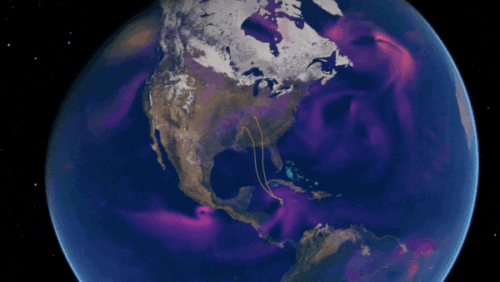
Predict Extreme Weather in Minutes Without a Supercomputer: Huge Ensembles (HENS)
NVIDIA and Berkeley Lab unveil Huge Ensembles (HENS), an open-source AI tool that forecasts low-likelihood, high-impact weather events using 27,000 years of data, with ready-to-run options.

Scaleway Joins Hugging Face Inference Providers for Serverless, Low-Latency Inference
Scaleway is now a supported Inference Provider on the Hugging Face Hub, enabling serverless inference directly on model pages with JS and Python SDKs. Access popular open-weight models and enjoy scalable, low-latency AI workflows.

Google expands Gemini in Chrome with cross-platform rollout and no membership fee
Gemini AI in Chrome gains access to tabs, history, and Google properties, rolling out to Mac and Windows in the US without a fee, and enabling task automation and Workspace integrations.